+
What is KVM virtualization?
KVM (Kernel-based Virtual Machine) is a Linux hypervisor that runs virtual machines directly on the hardware. Each VM gets dedicated vCPU, RAM and storage resources, with no overbooking: other customers on the same node do not slow your server down.
+
What is the difference between VPS Solo, Plus and Max?
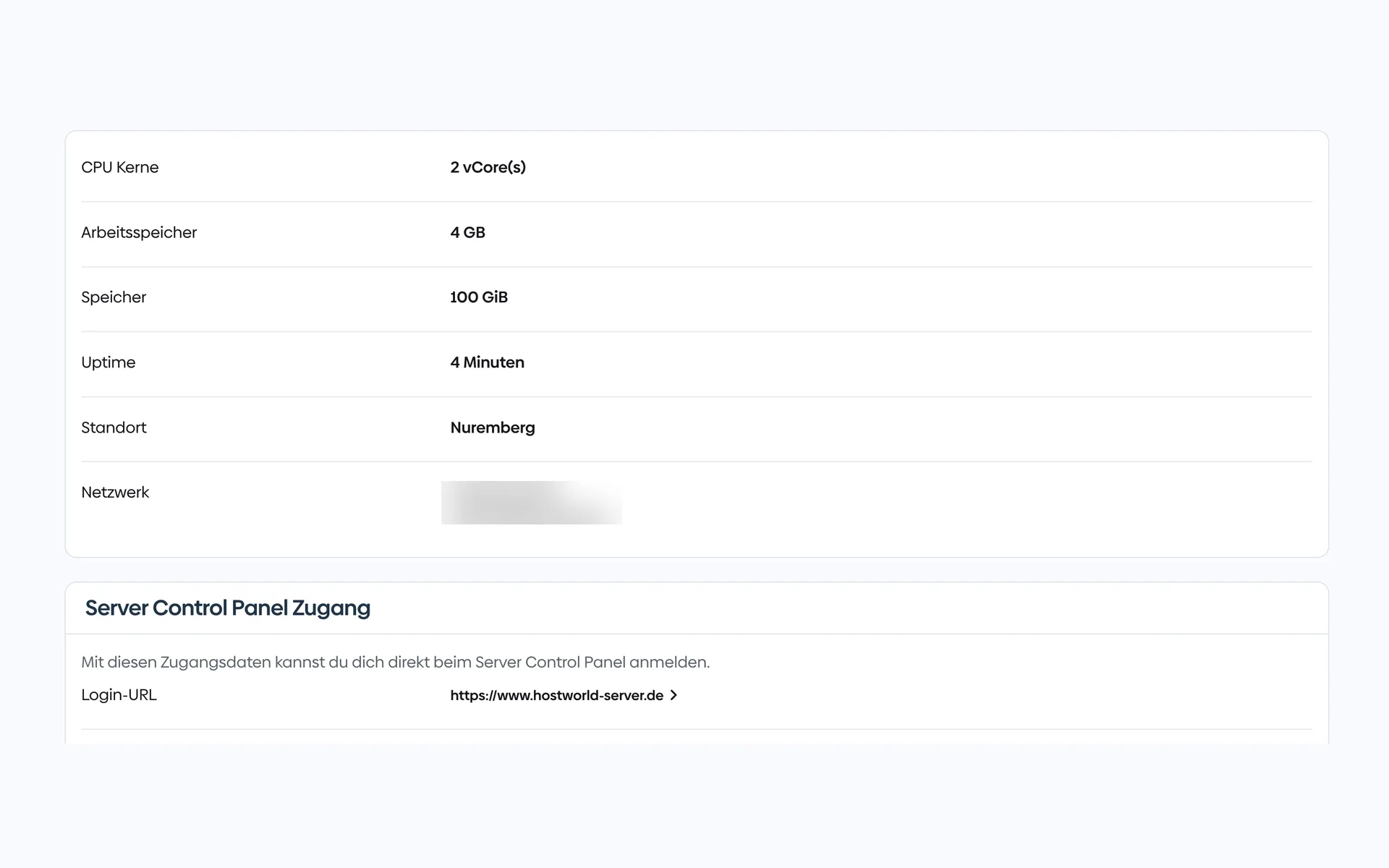
VPS Solo suits small projects with a single application (2 vCPU, 4 GB RAM). VPS Plus fits medium loads and several services side by side (4 vCPU, 8 GB RAM, 2.5 Gbit/s). VPS Max is built for high loads, many parallel applications or customer systems (8 vCPU, 32 GB RAM, 500 GB NVMe).
+
Can I add Plesk?
Yes. Three editions can be selected directly in the ordering process: Web Admin (10 domains, WP Toolkit SE), Web Pro (30 domains, WP Toolkit, account management) or Web Host (unlimited domains, reseller management).
+
Which distributions can I install?
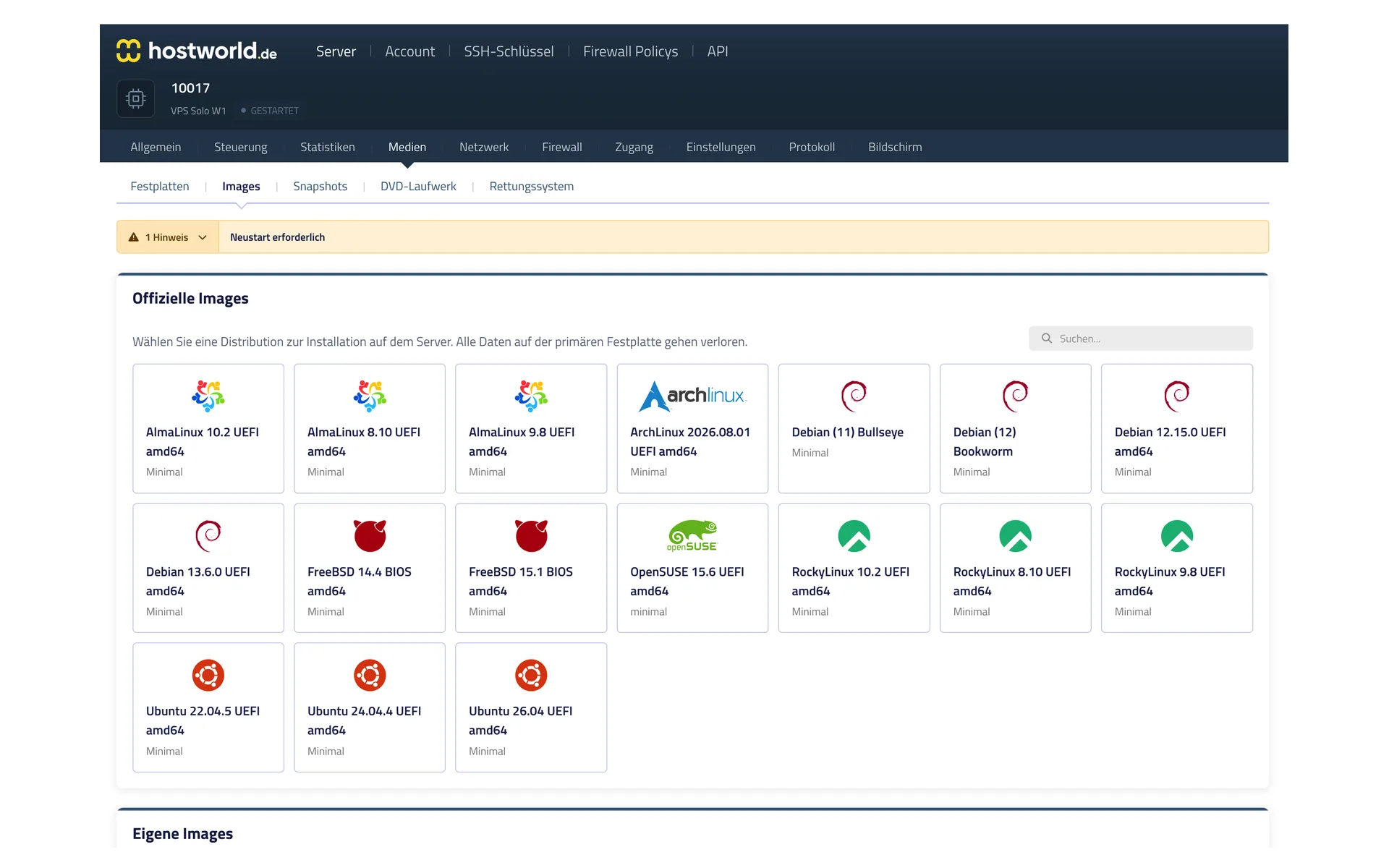
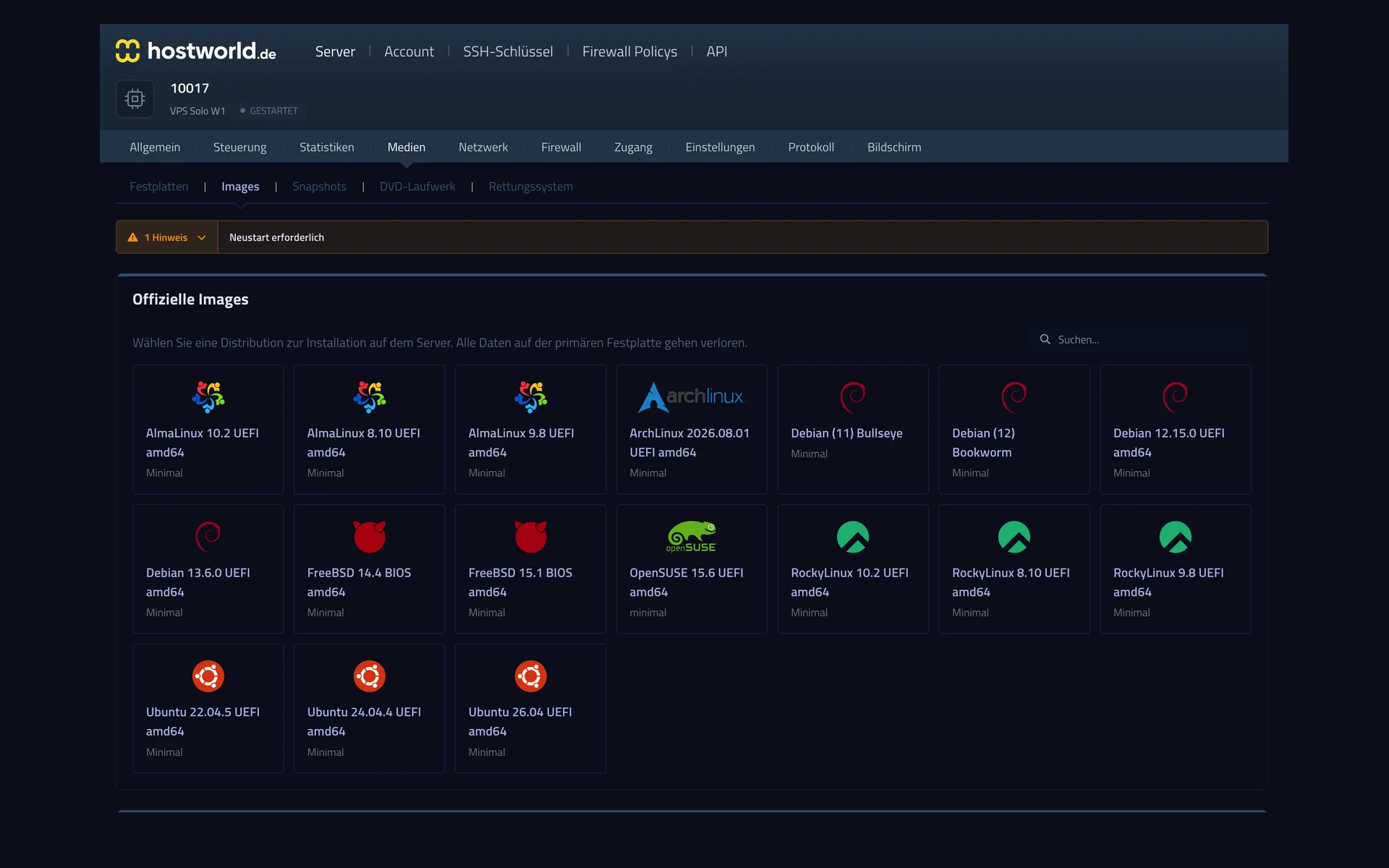
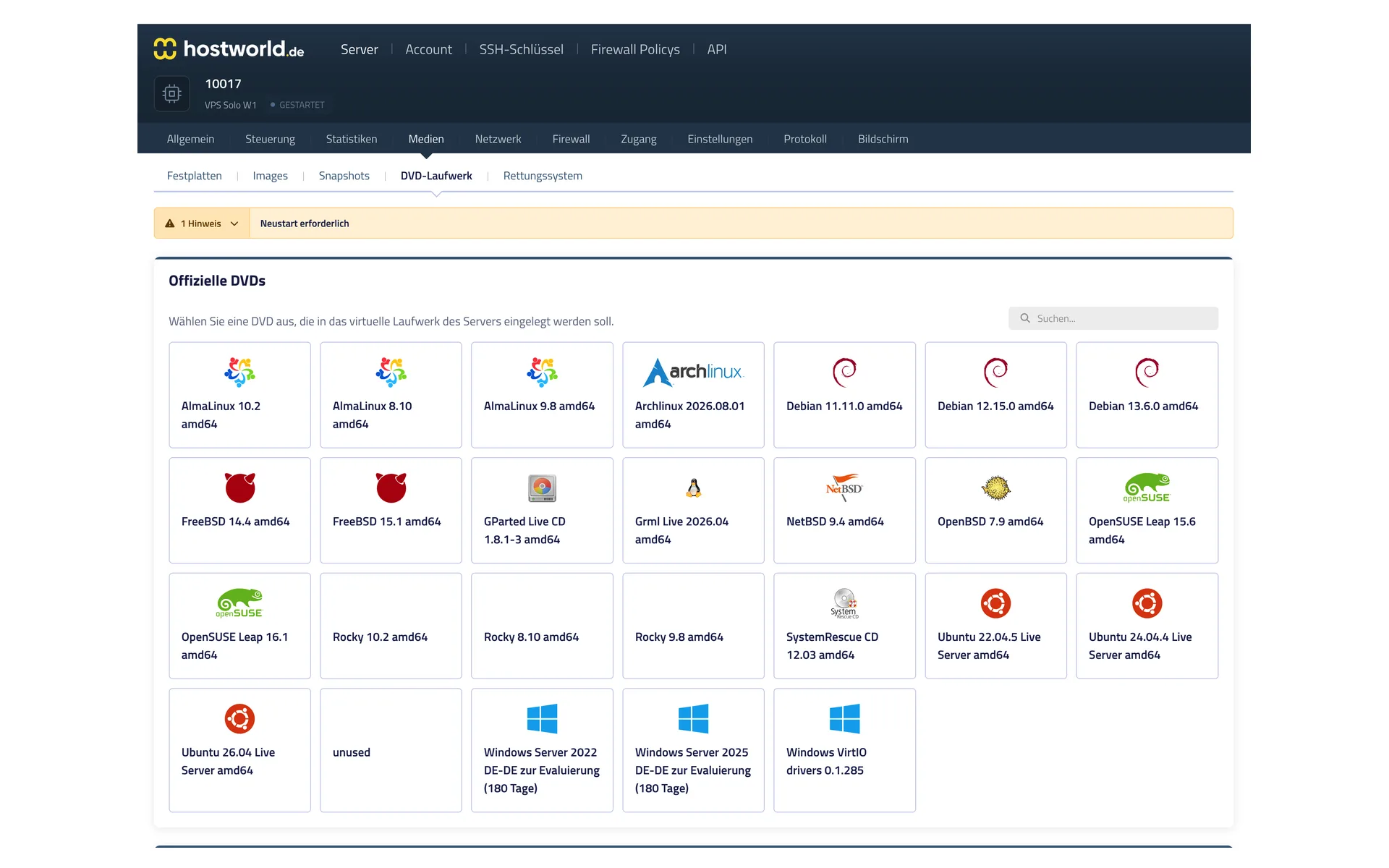
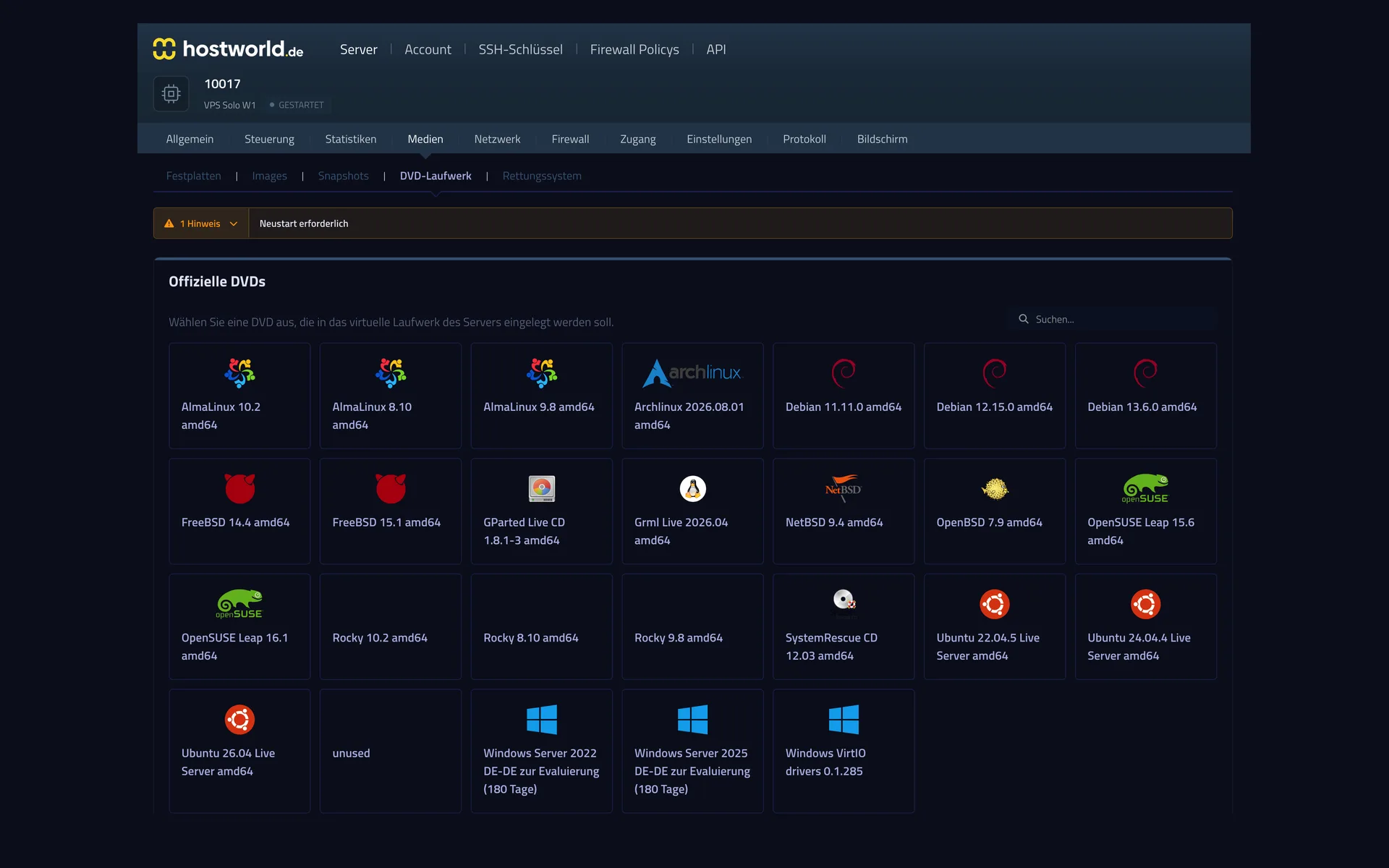
6 Linux distributions are preconfigured (AlmaLinux, Debian, OpenSUSE, RockyLinux, Ubuntu Server). In addition, FreeBSD as an image and DVD installers for special-purpose systems, including Windows Server 2022/2025 (180-day trial license). See the “Distributions” section further down.
+
How do custom ISOs work?
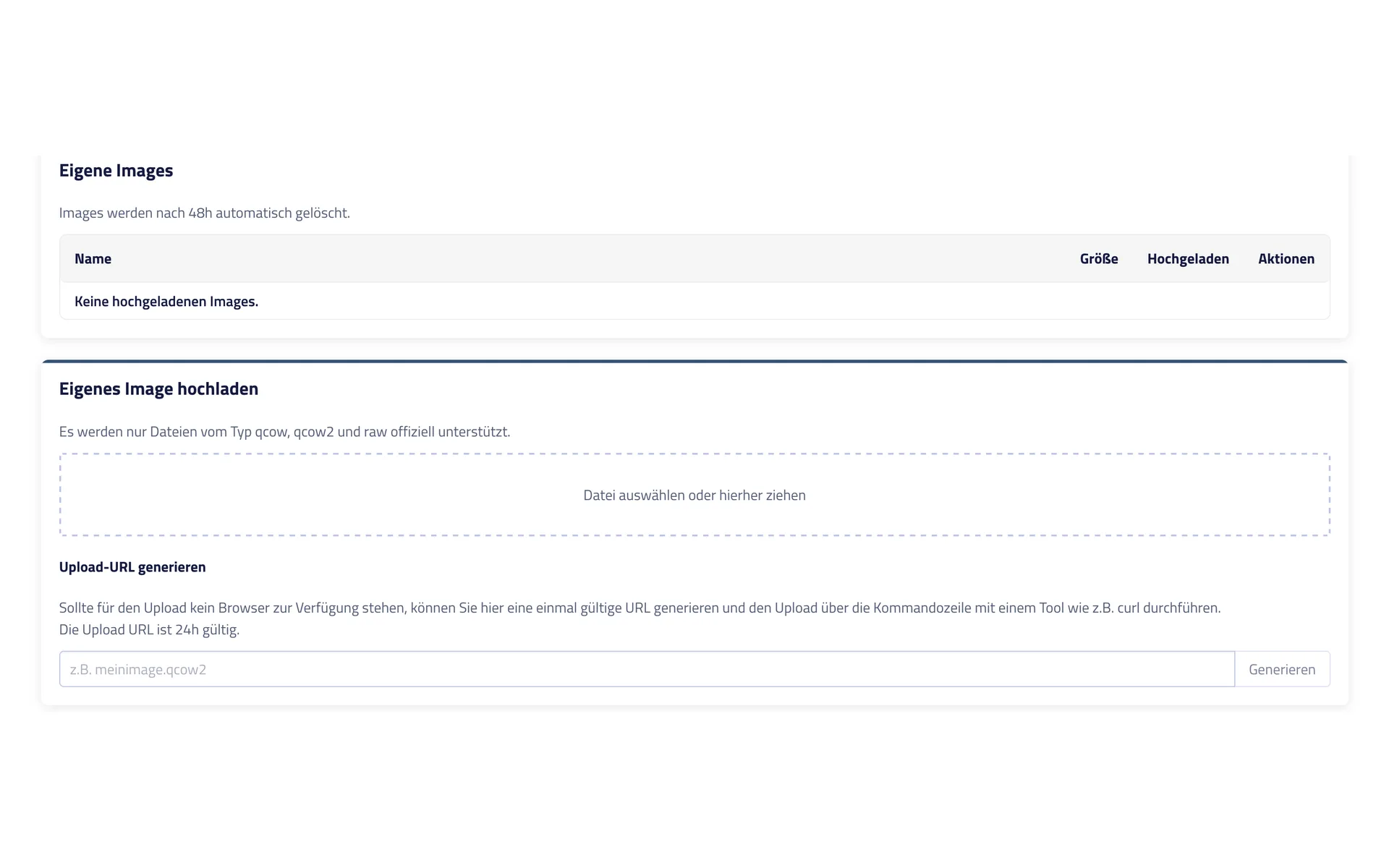
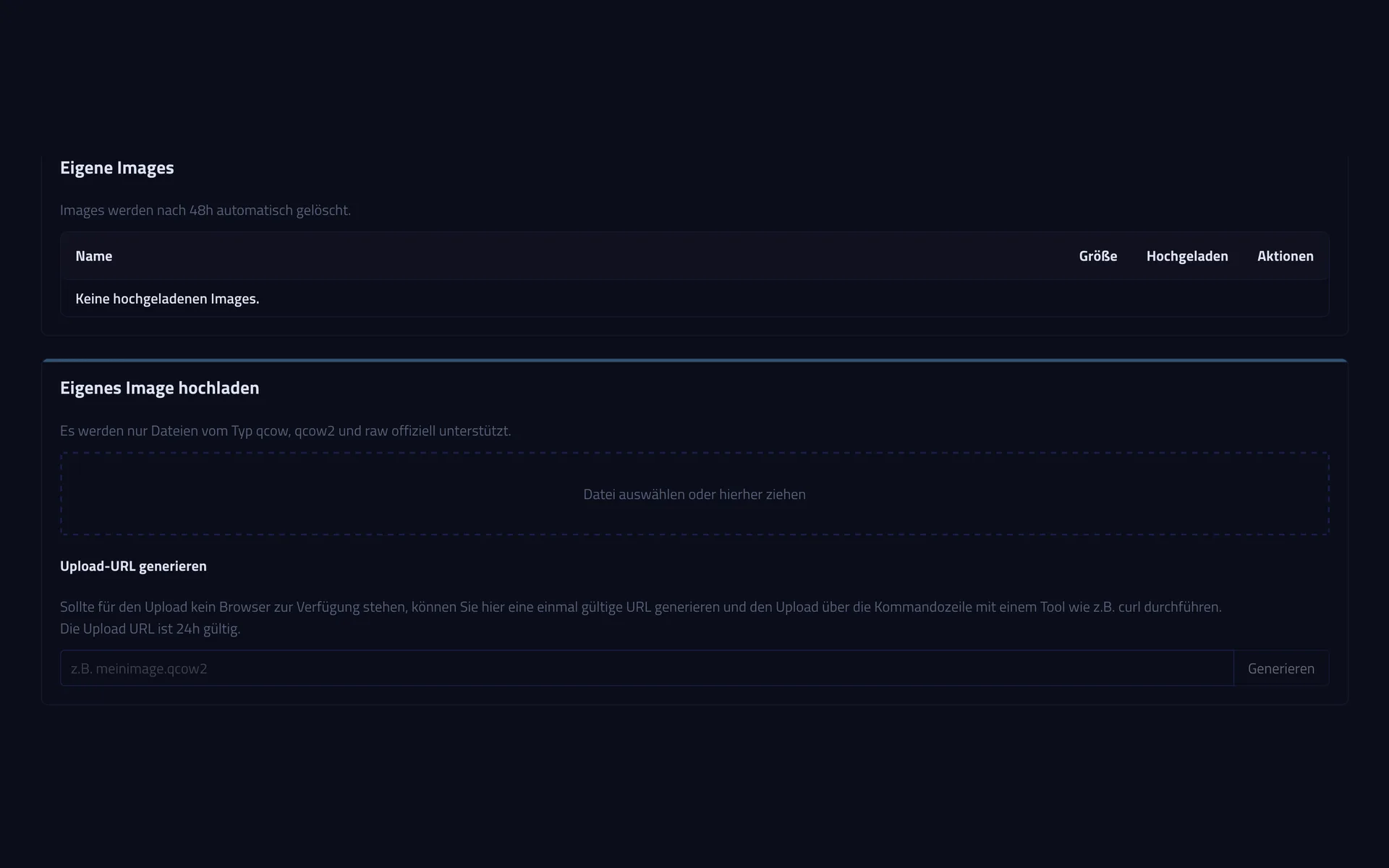
You upload your own images (iso, qcow, qcow2, raw) via browser or cURL and install them like a preconfigured distribution.
+
Are snapshots the same as backups?
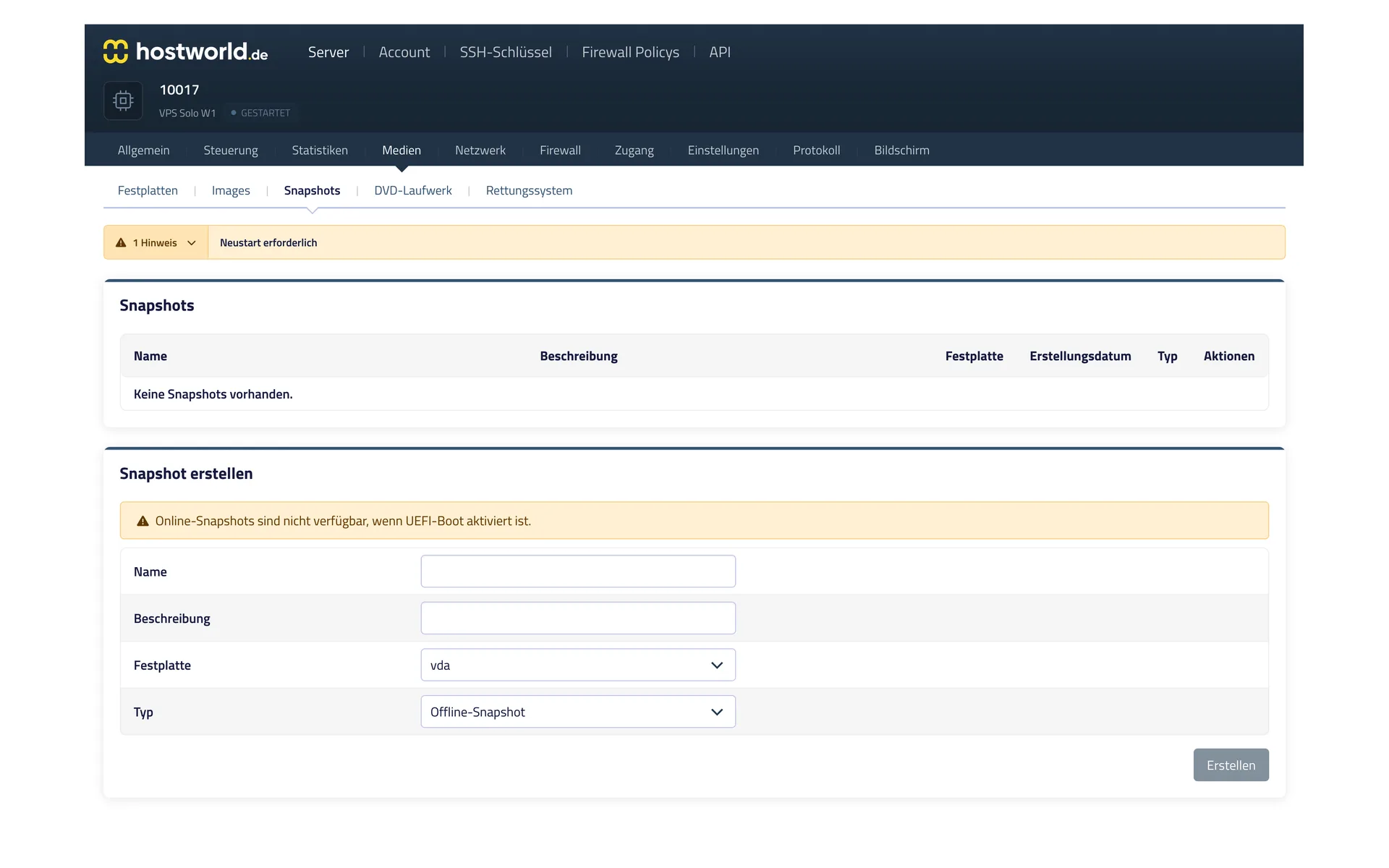
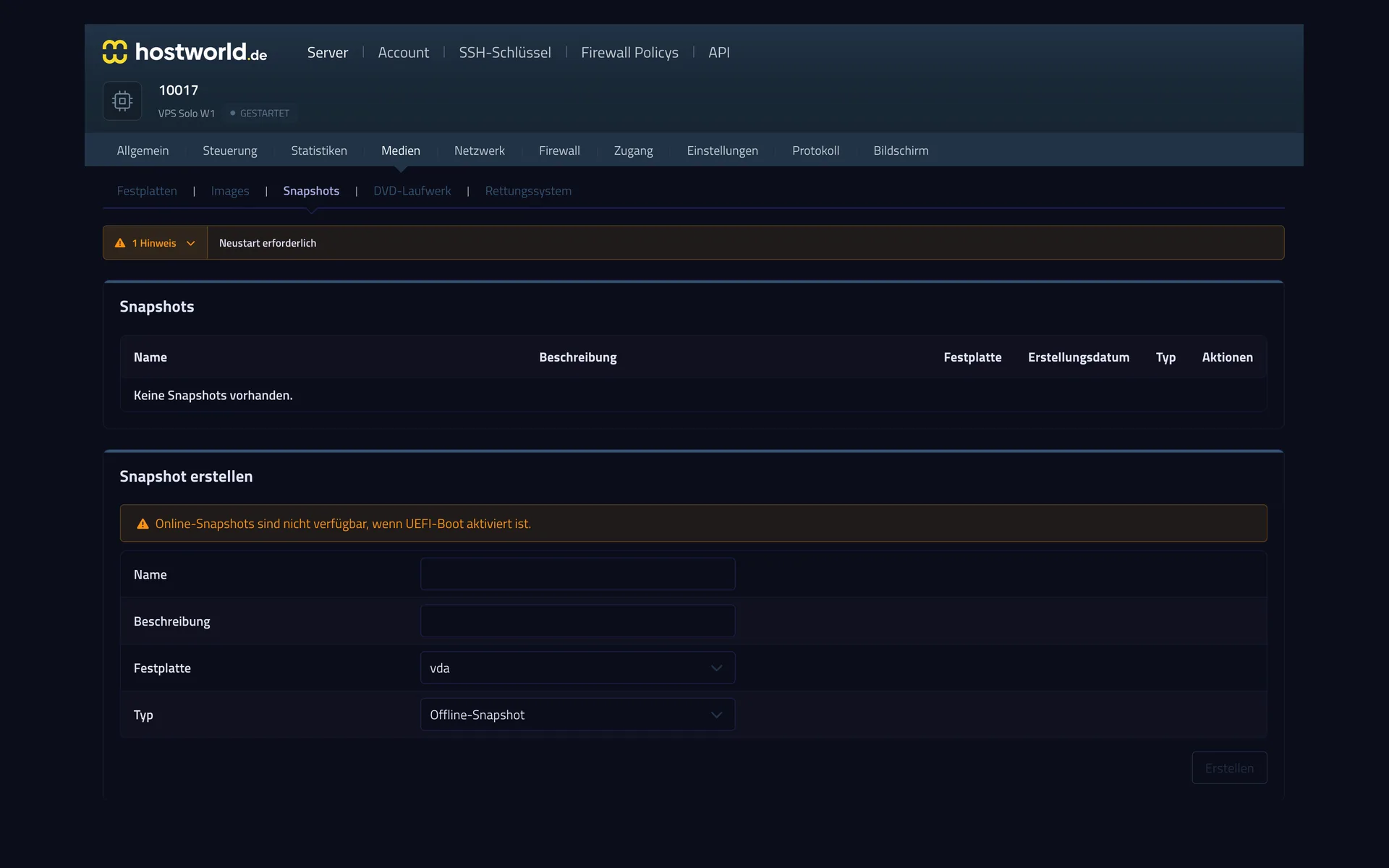
No. Snapshots are point-in-time copies on the same storage: ideal for a quick rollback before risky changes, but no protection against hardware defects. For external backups, you can add Cloud Backup or use your own backup solution. Cloud Backup is installed inside the operating system.
+
What does the connection look like?
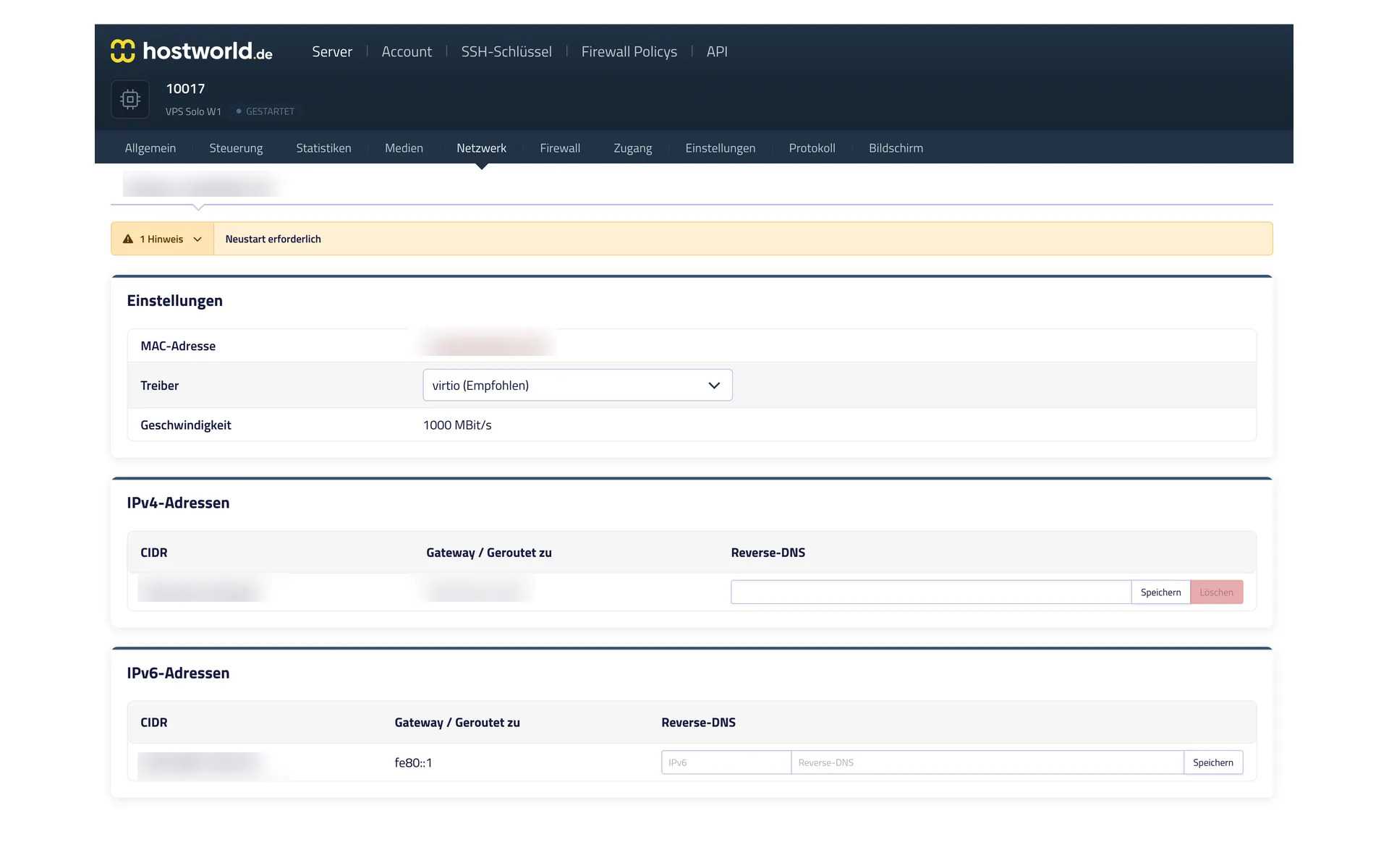
The host node has an uplink of 2× 10 Gbit/s. The VM connection is fixed per plan: 1 Gbit/s on the VPS Solo, 2.5 Gbit/s on VPS Plus and Max.
+
How is the DDoS protection set up?
Protection is permanently active and filters suspicious traffic at the network edge before it reaches your server.
+
What happens if the node's hardware fails?
In case of a hardware defect, the VM is migrated to another node. Snapshots make a controlled restart easier.
+
What is the minimum contract term?
You choose between a monthly term and 12 months. The listed price applies to the monthly term. With 12 months, it drops by 10%. With annual prepayment, a further 5% comes on top. No setup fee.
+
Which payment methods are available?
SEPA direct debit, credit card (incl. Apple Pay / Google Pay), PayPal and bank transfer.
+
Can I upgrade or downgrade plans later?
An upgrade is possible at any time. A downgrade is only possible to a limited extent, because the allocated storage cannot be reduced.